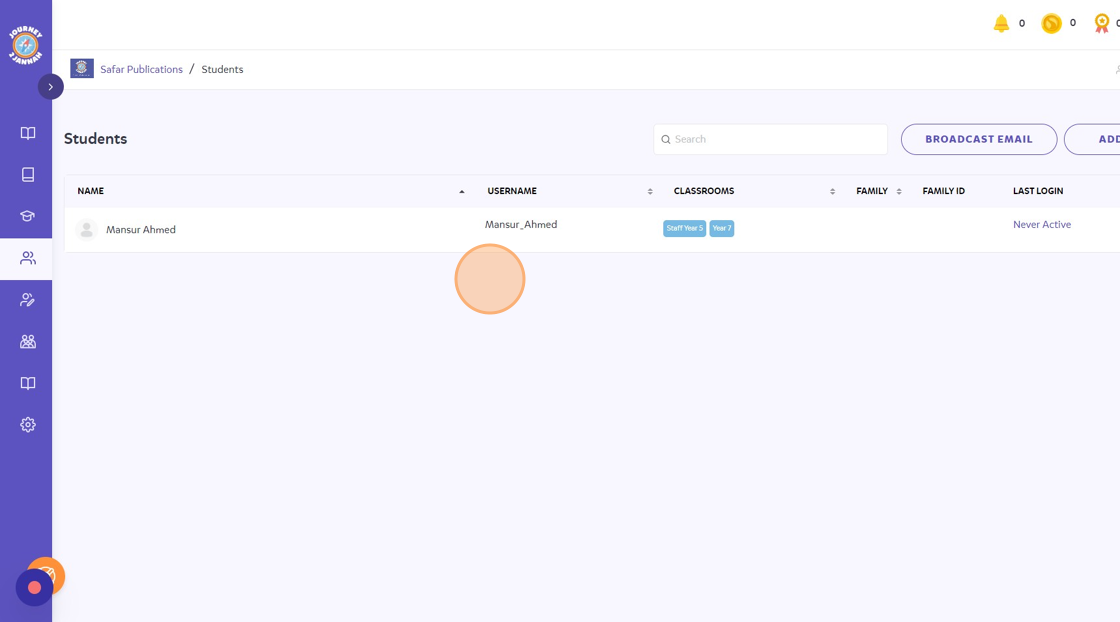
Set-Up: How To Remove A Student From A Classroom
1. Navigate to https://my.journey2jannah.com/manage-classroom/
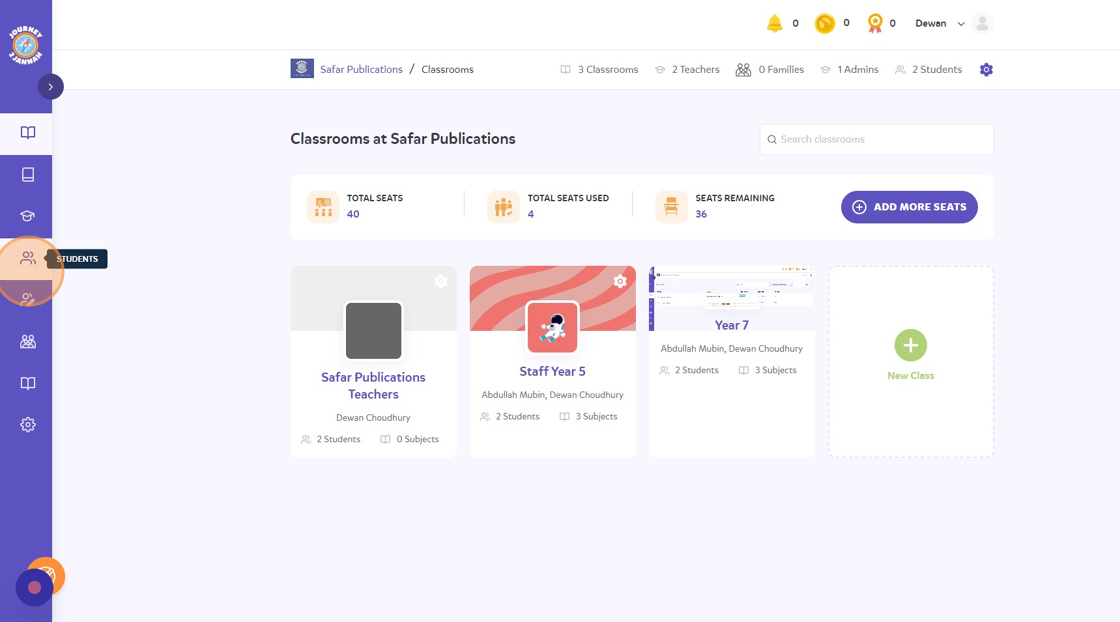
2. Click the "Students" icon on the left hand side panel.
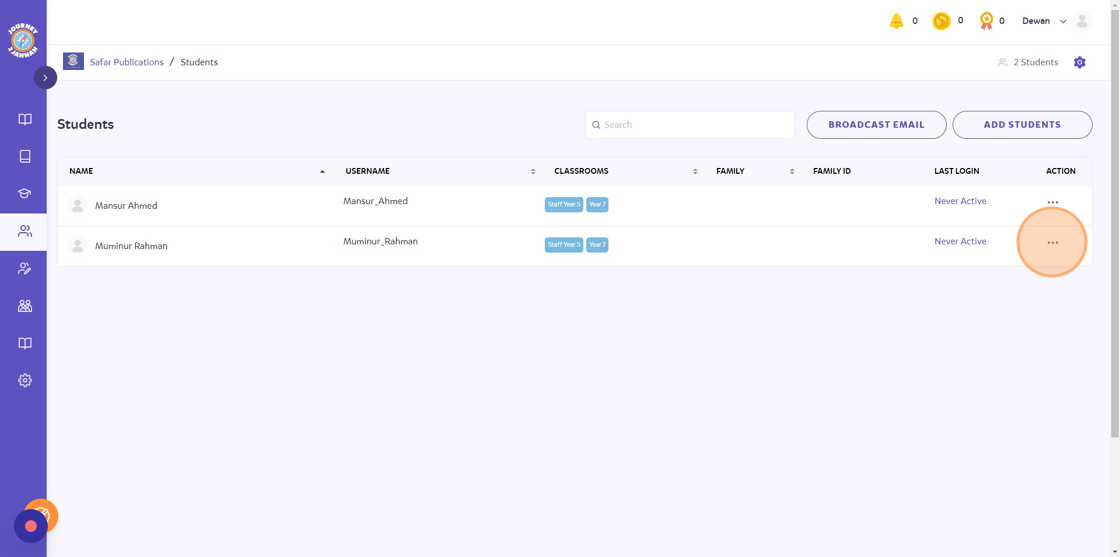
3. Click on the 3 dots on the student you want to remove.
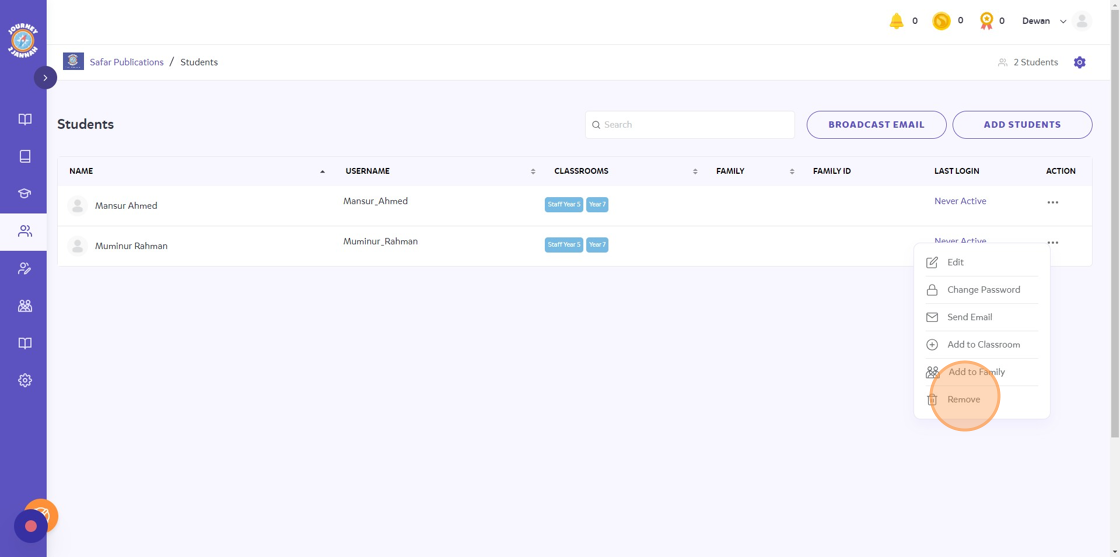
4. Click "Remove"
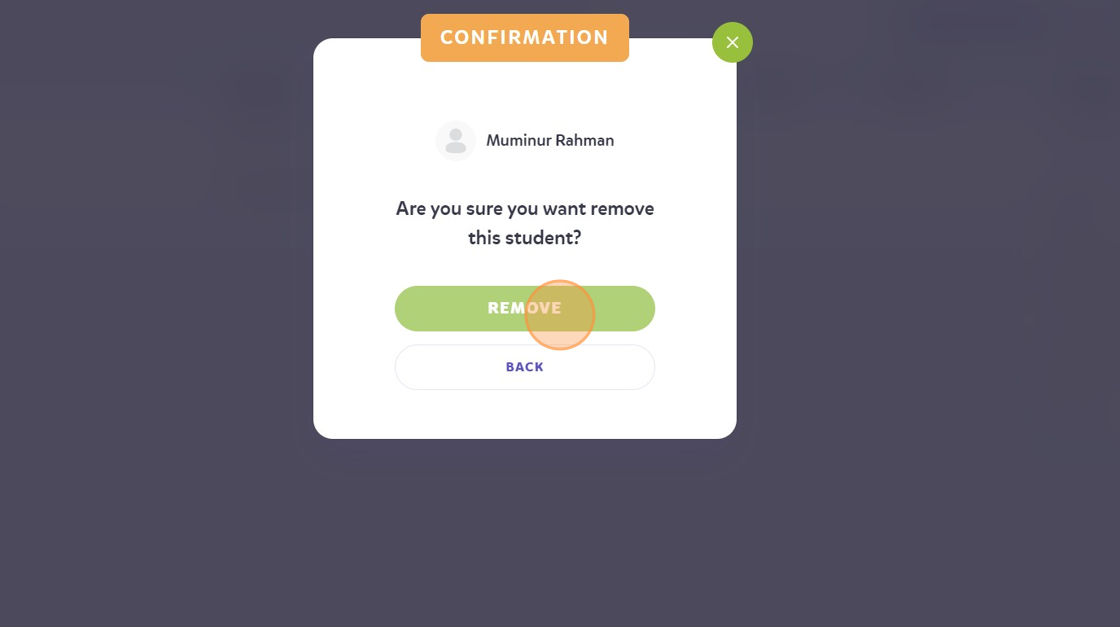
5. It will ask you to confirm. Click "REMOVE"
6. The student is now removed from your Journey2Jannah institute.