Subscription: How To Switch From Monthly To Yearly Subscription
This guide will show you how to switch your institute account from monthly to annual (vice-versa). You can watch this video for further help: https://vimeo.com/manage/videos/898289001/9716a4df0c
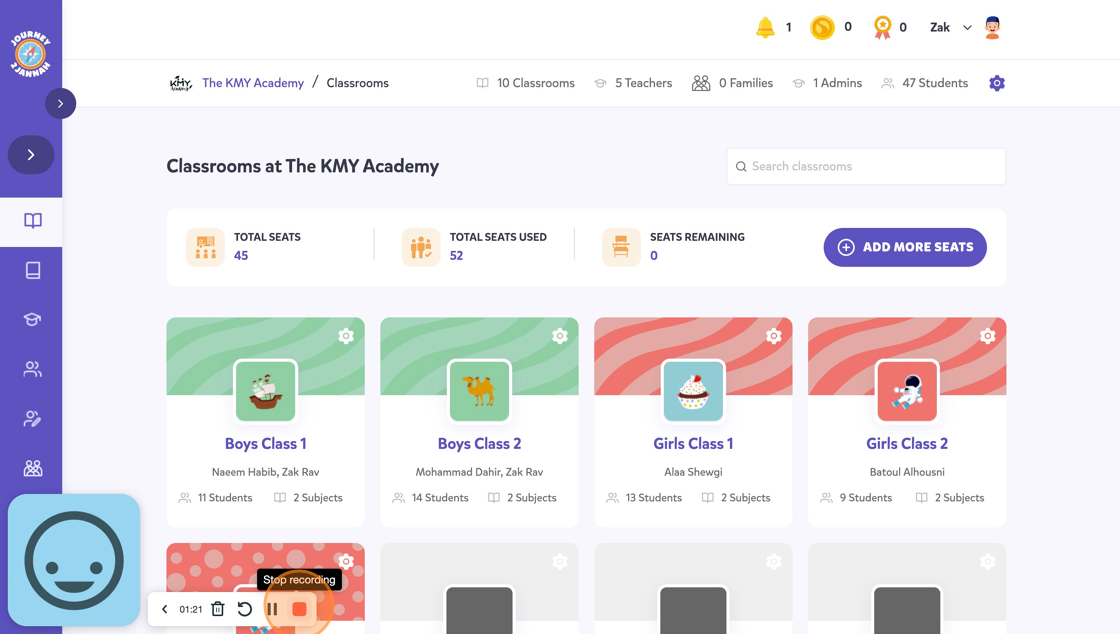
1. Navigate to https://my.journey2jannah.com/manage-classroom/
2. Click "ADD MORE SEATS"
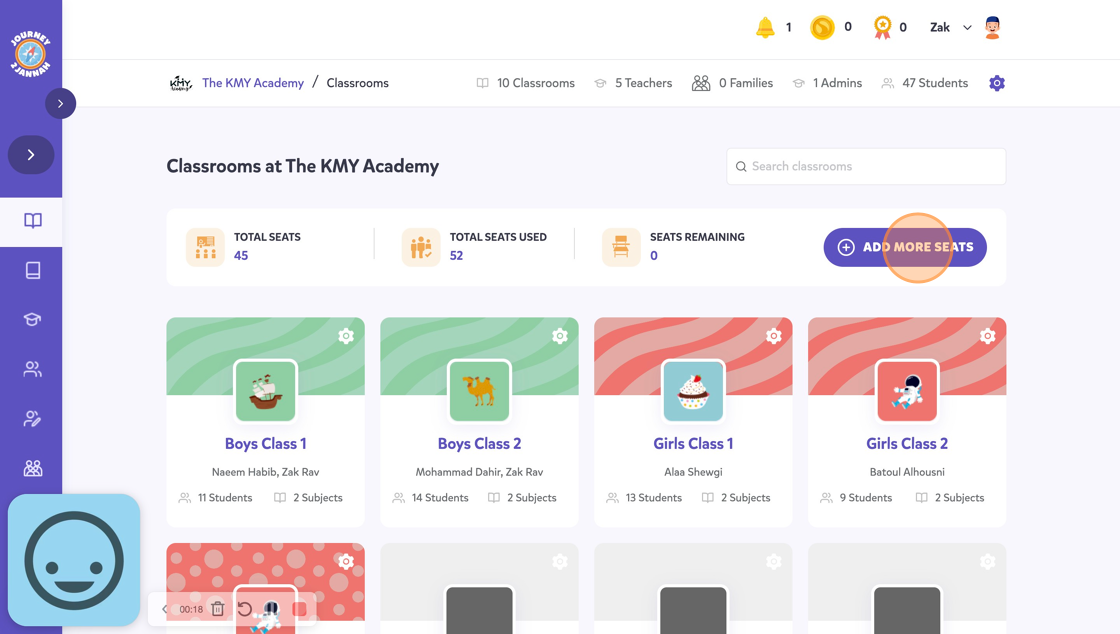
3. Click "VIEW"
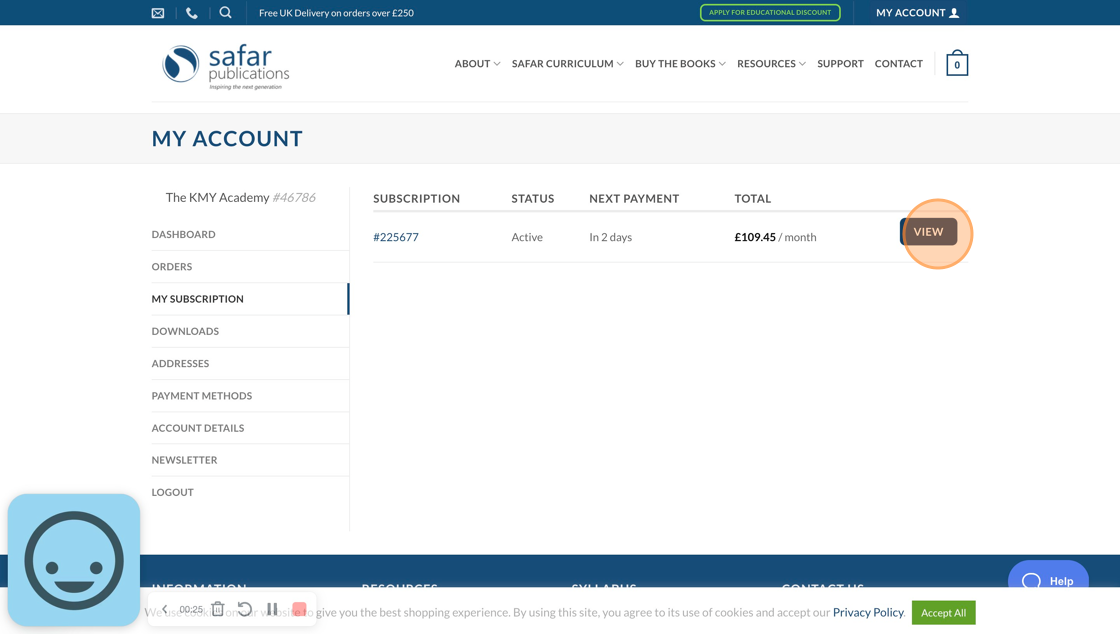
4. Click "ADD MORE SEATS"
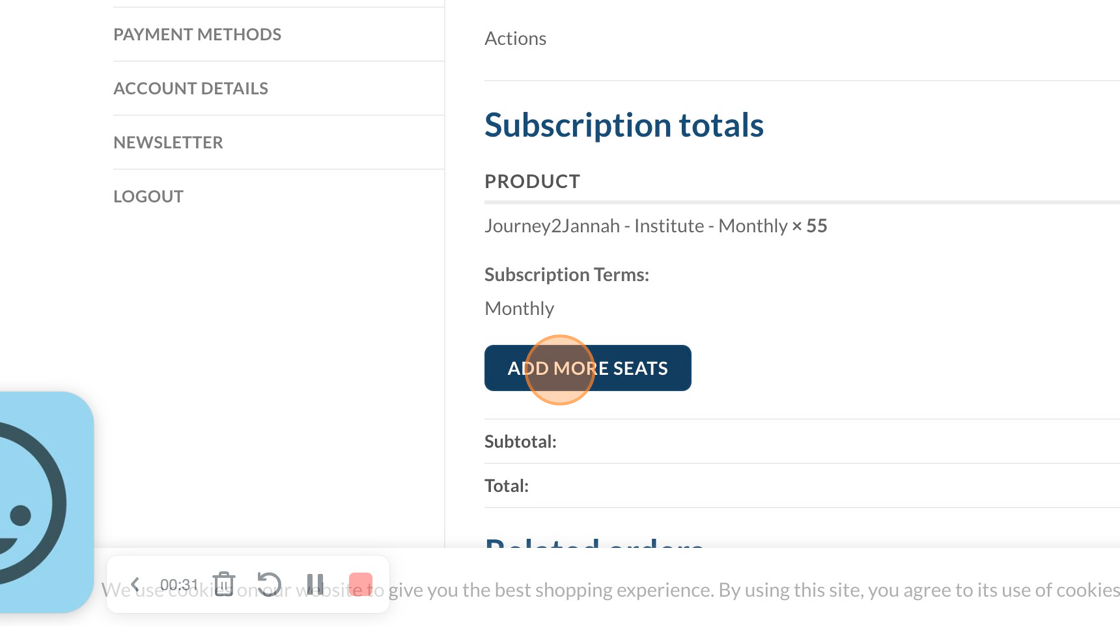
5. Click to toggle from monthyl to 'Annual Plan'.
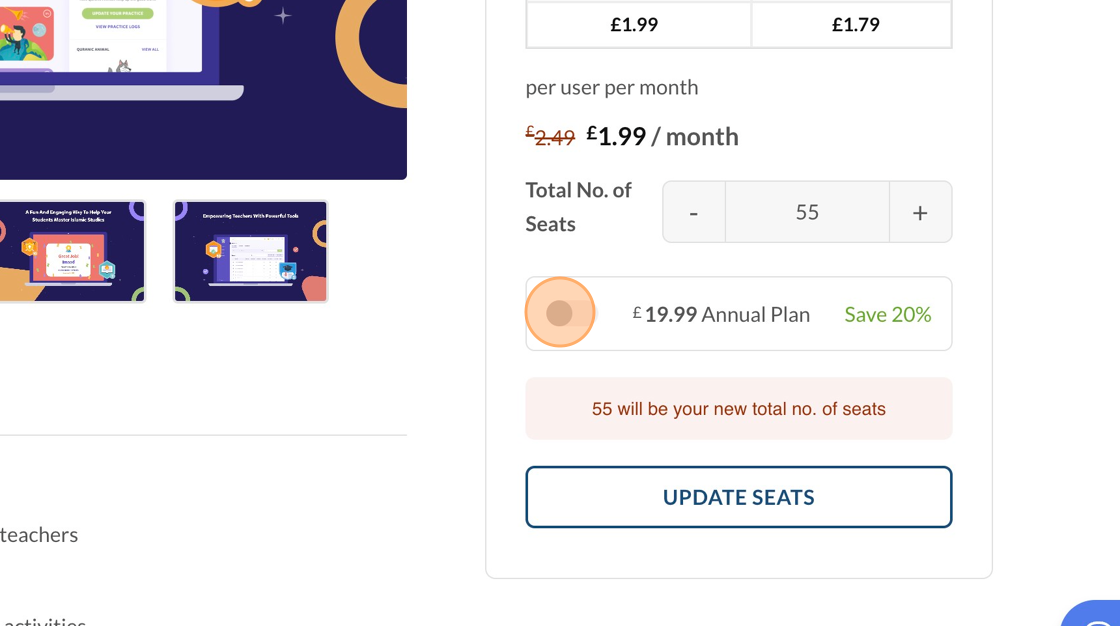
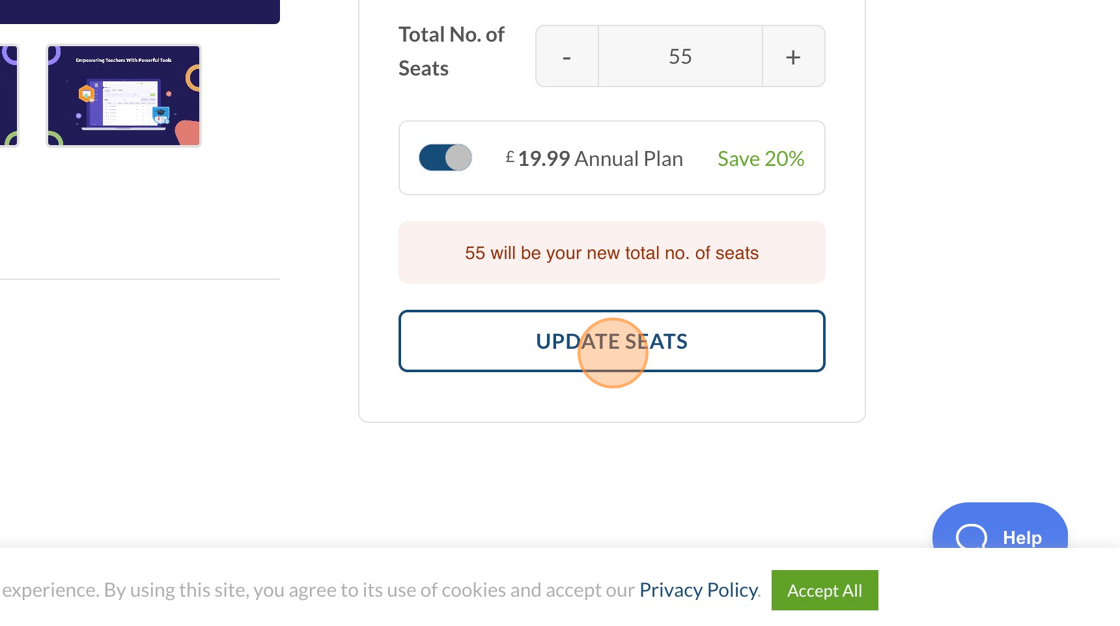
6. Click "UPDATE SEATS"
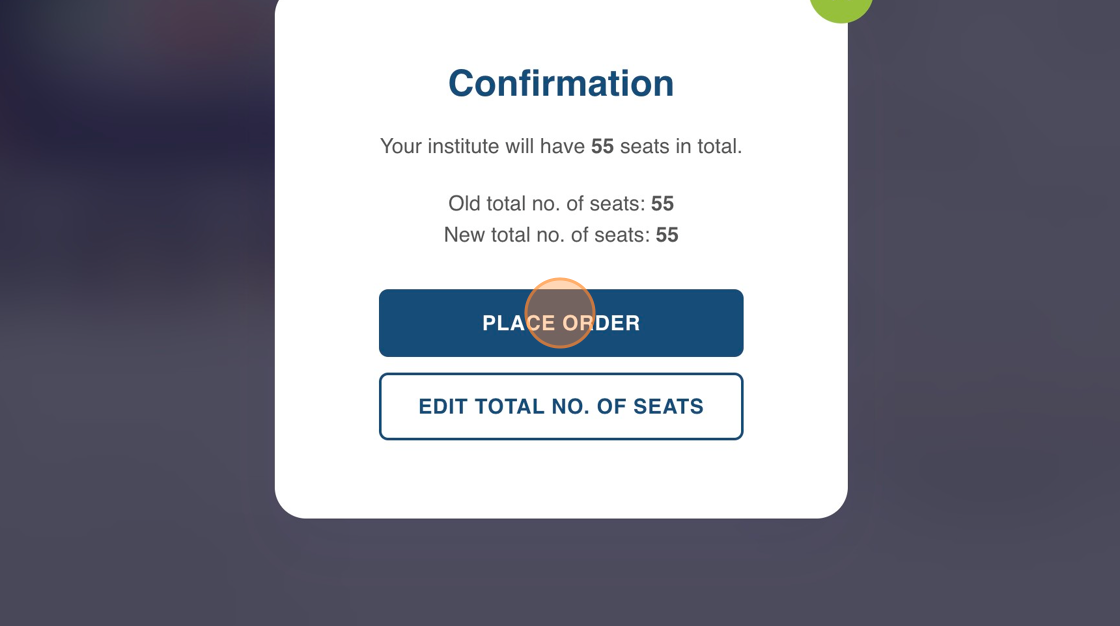
7. Click "PLACE ORDER"
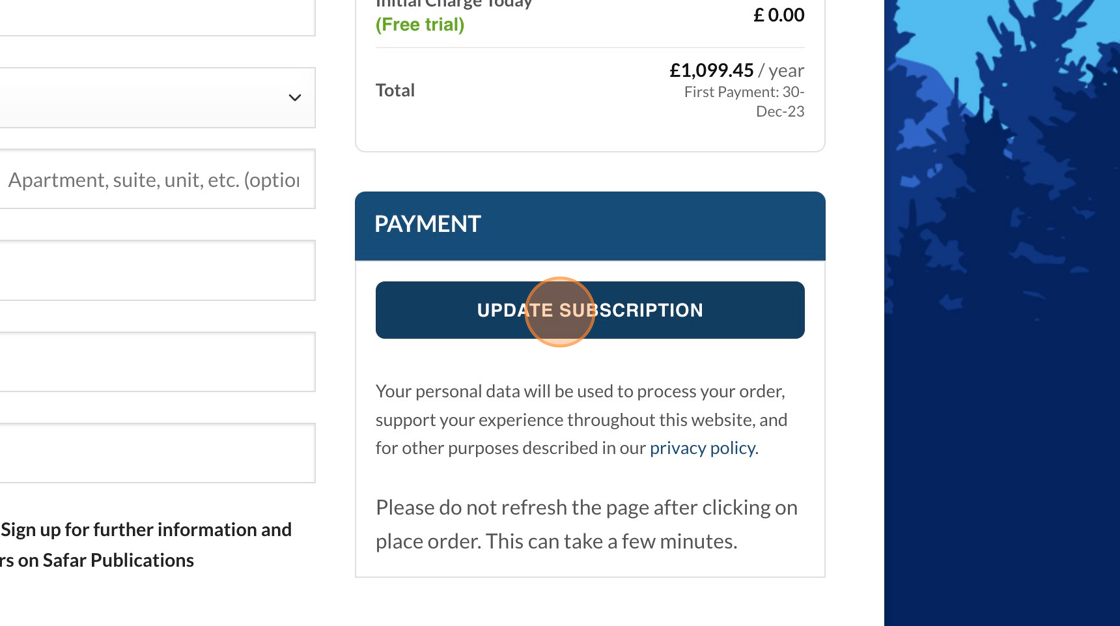
8. Click "UPDATE SUBSCRIPTION"
9. Click "GET STARTED WITH JOURNEY2JANNAH"
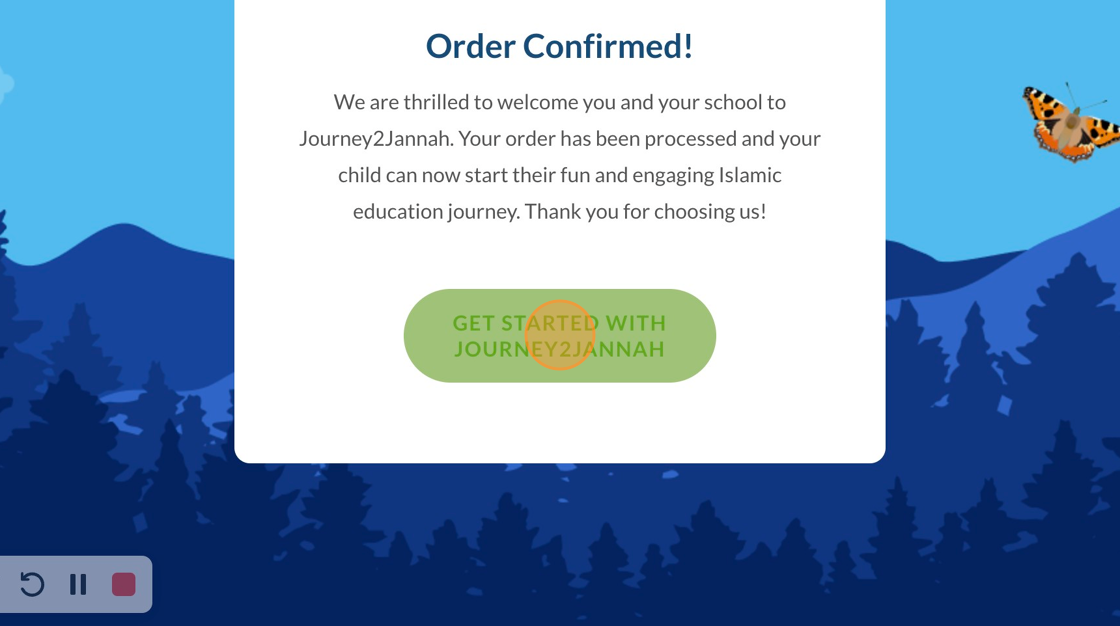
10. Your plan will be annual now.