This guide is for institutes where the admin can change the avatar gender for their student. The avatar will only change when the student next logs in.
1. Navigate to https://my.journey2jannah.com/manage-classroom/
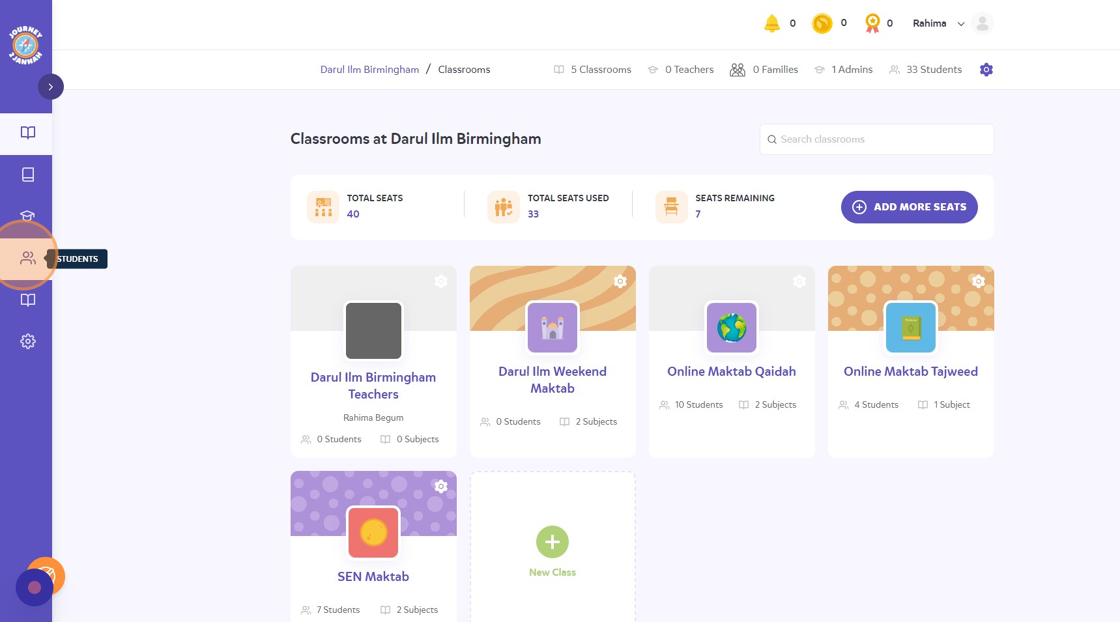
2. Click on the 'students' icon on the left hand panel.
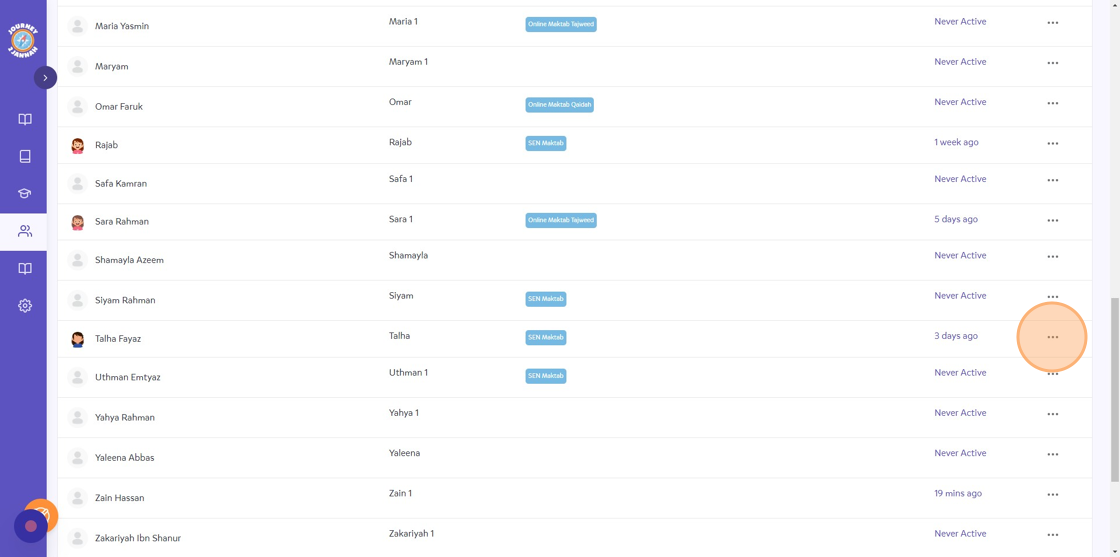
3. As you can see, the student 'Talha' has mistakenly been put as a female hence a girl avatar. Click on the 3 dots.
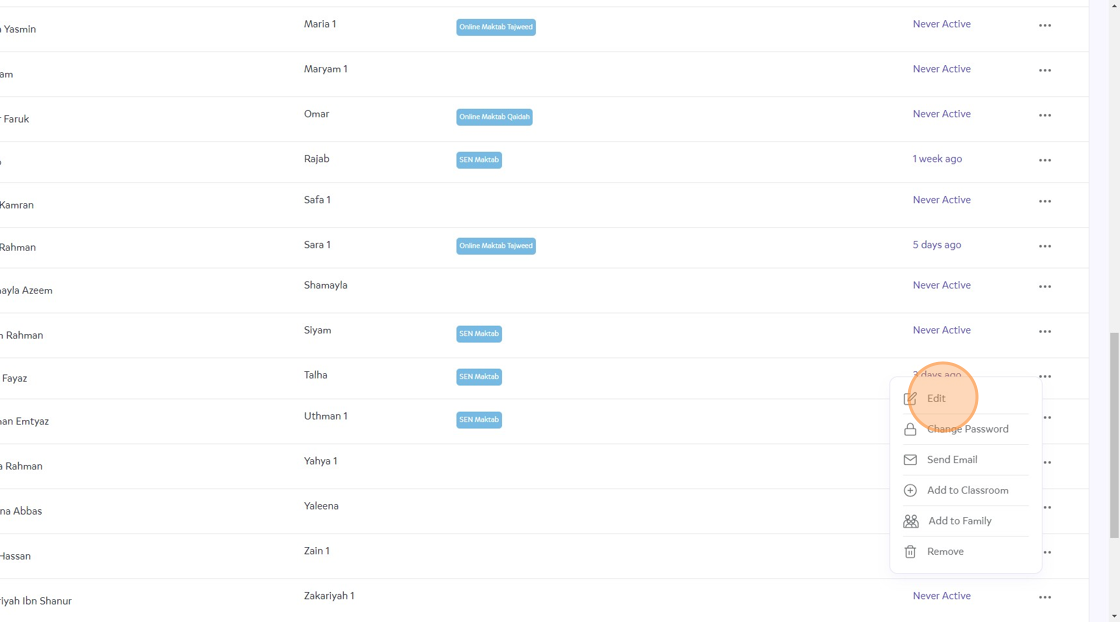
4. Then click "Edit"
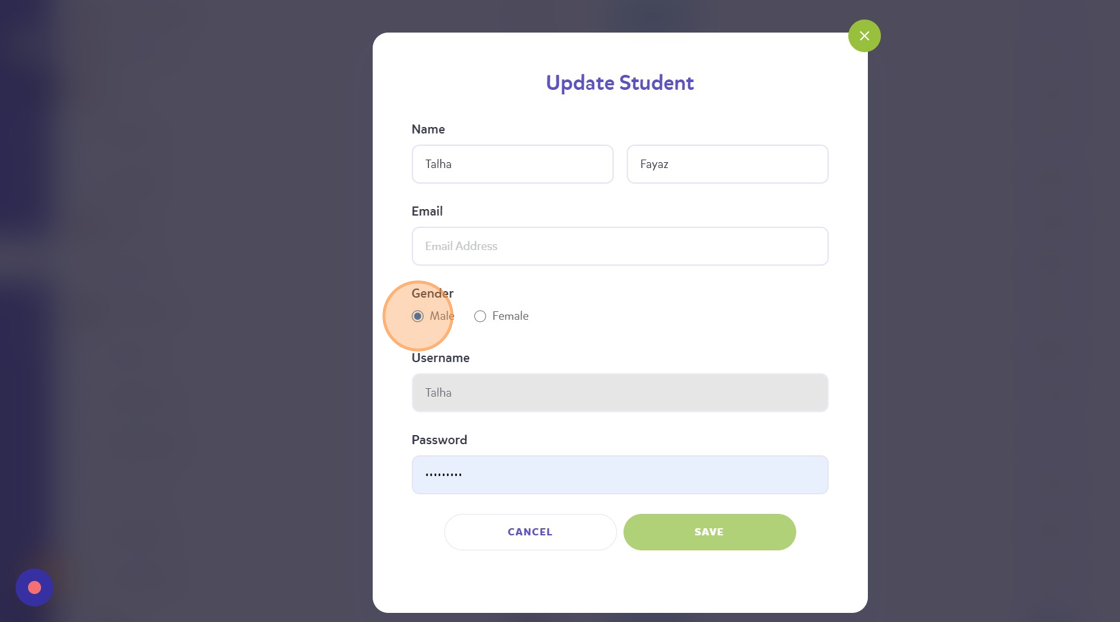
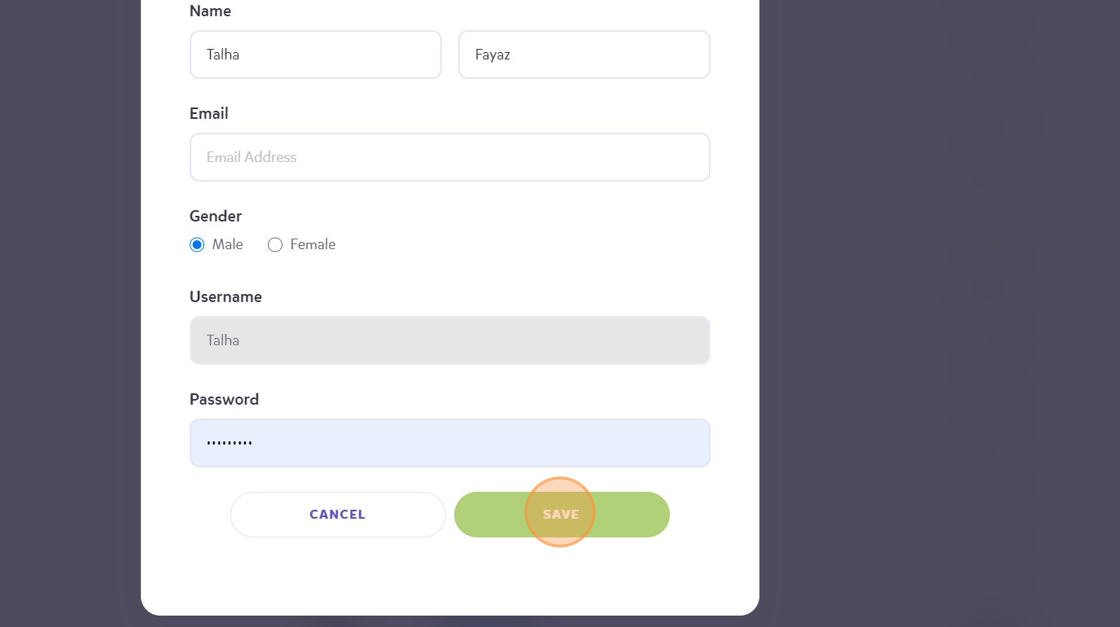
5. Click the "Male" field.
6. Click "SAVE"
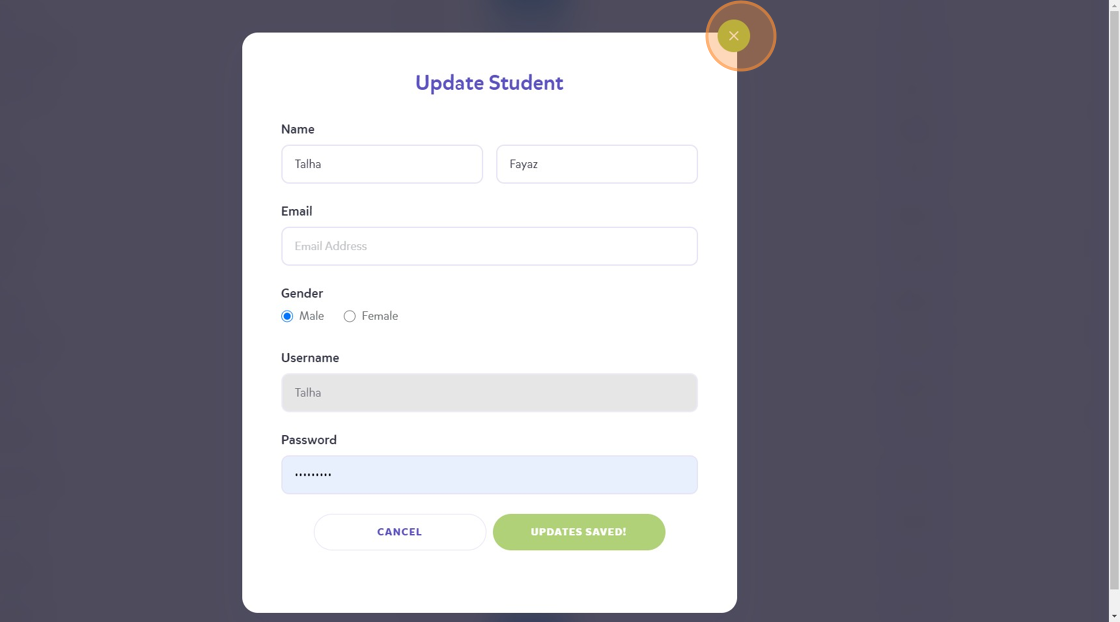
7. Click on the 'x' button to move away from this.
Tip: When the child logs on, ensure they go to the avatar store to change the gender completely.