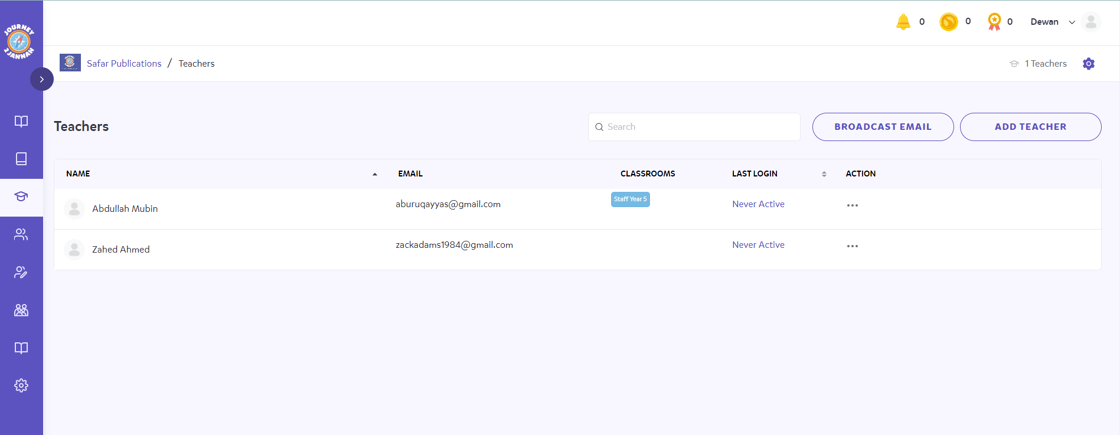
Set-Up: How To Add Teachers Manually
1. Navigate to https://my.journey2jannah.com/manage-classroom/
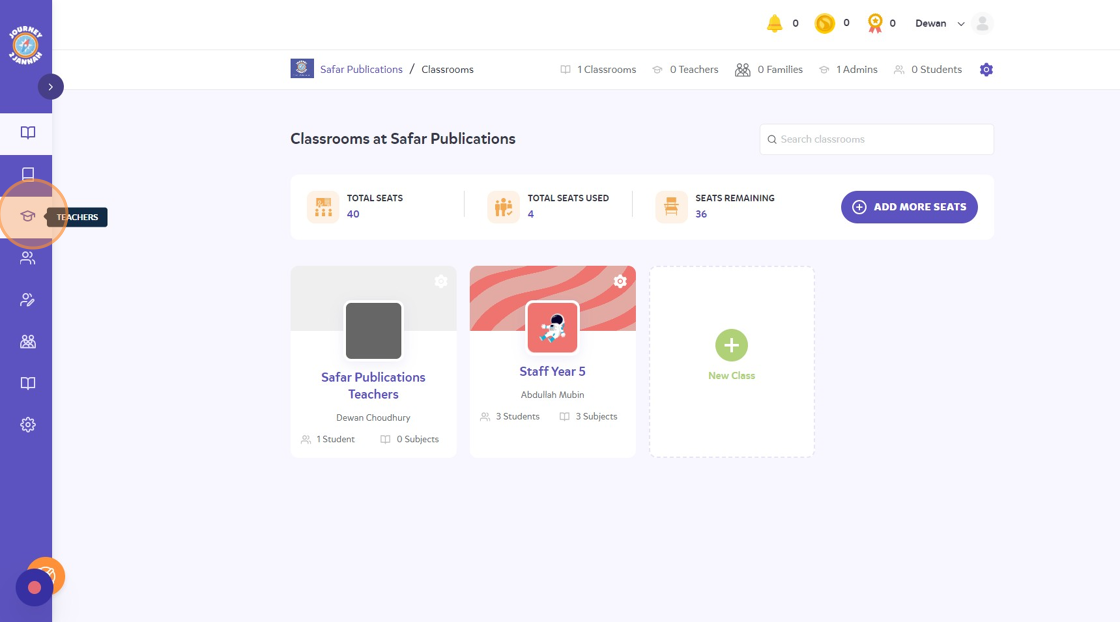
2. Click on the 'Teachers' icon on the left hand panel.
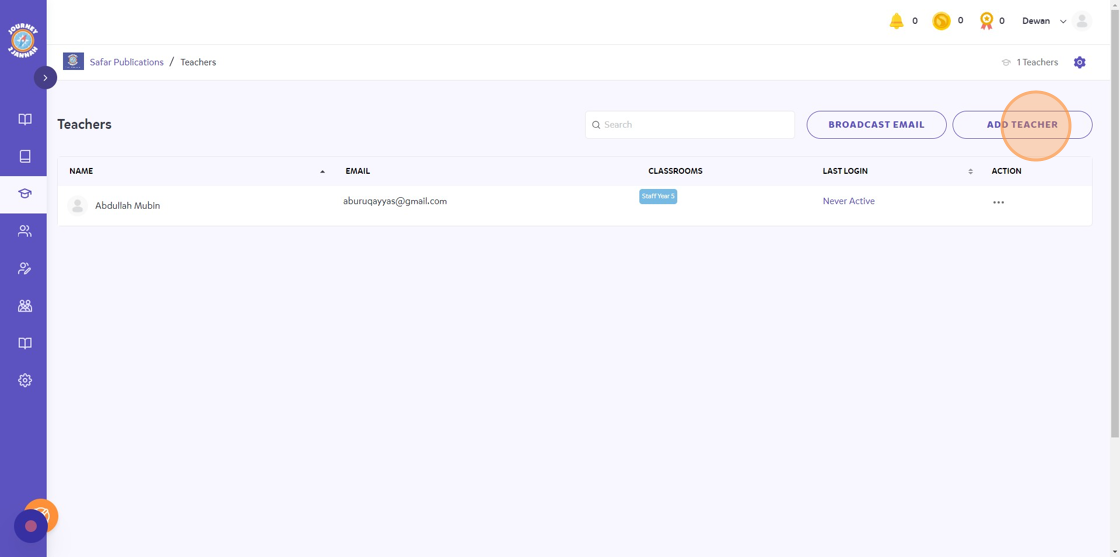
3. Click "ADD TEACHER"
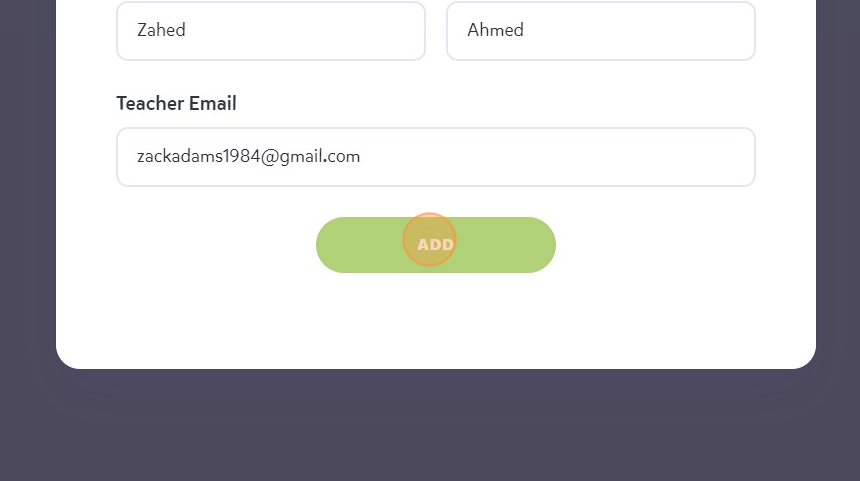
4. Complete all the fields and then click on 'ADD'
5. The teacher will be added into the institute ready to be added to a classroom.