Set-Up: How to Delete a Student From Your Institute
This guide will show you how to delete a student from your institute account.
1. Navigate to https://my.journey2jannah.com/manage-classroom/
2. Click on the 'students' icon on the left hand panel.
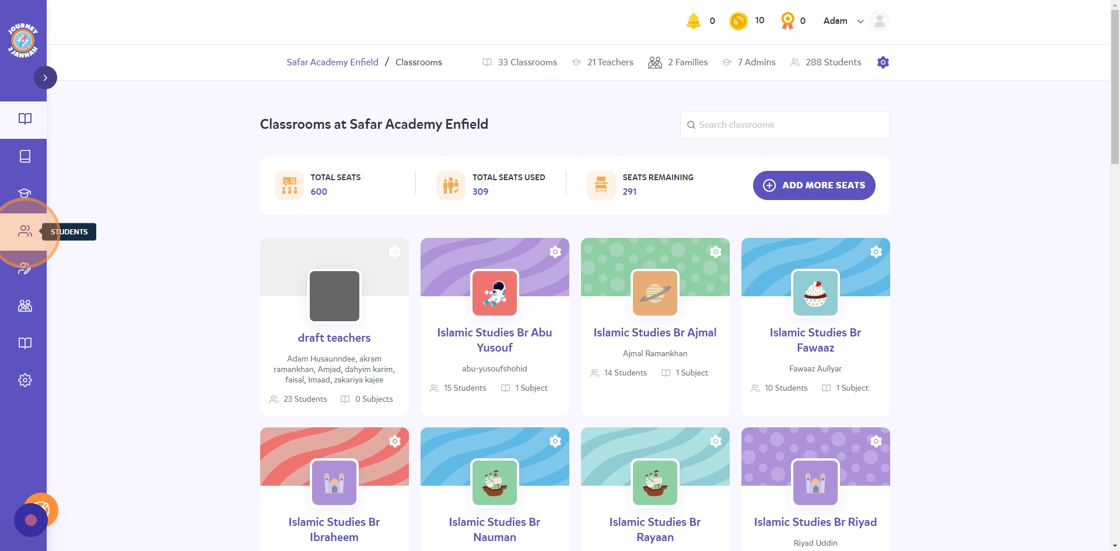
3. You can scroll down and manually look for the student or click the "Search" field and type the student in.

4. Once you've found the student, click on the 2 dots '...'.

5. Click "Remove"

6. Click "REMOVE" to confirm.

7. The student will be removed from your institute.