Set-Up: How to Access the Learn To Read (LTR) course
Tip: You need to ensure the account has been given access to the Learn To Read resources on Journey2Jannah. Contact your institute admin to request access.
1. Navigate to https://my.journey2jannah.com/course-library/
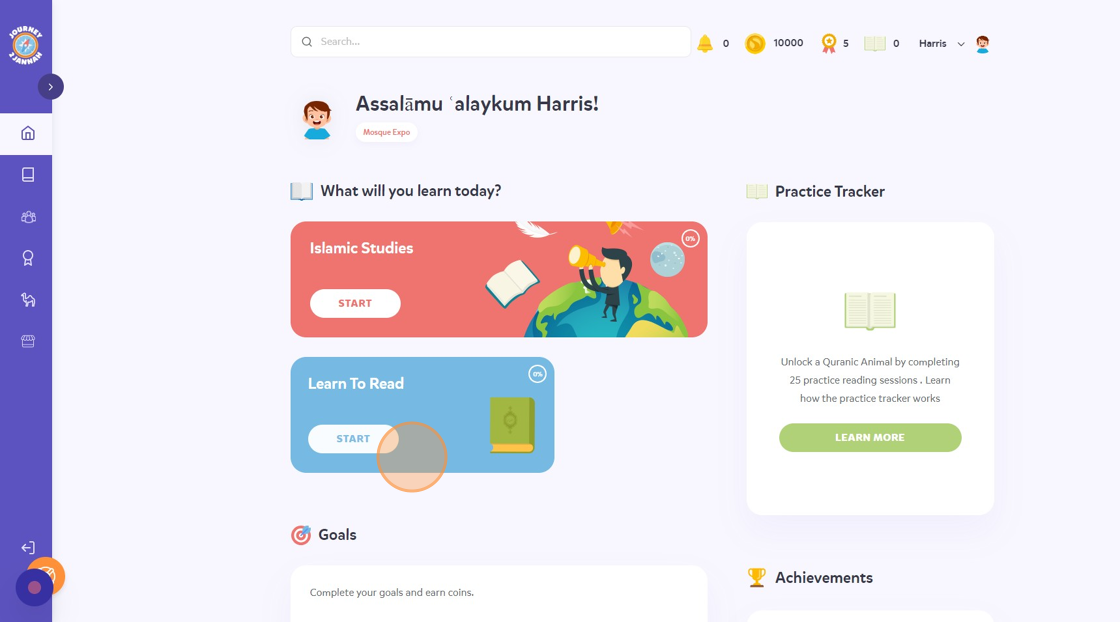
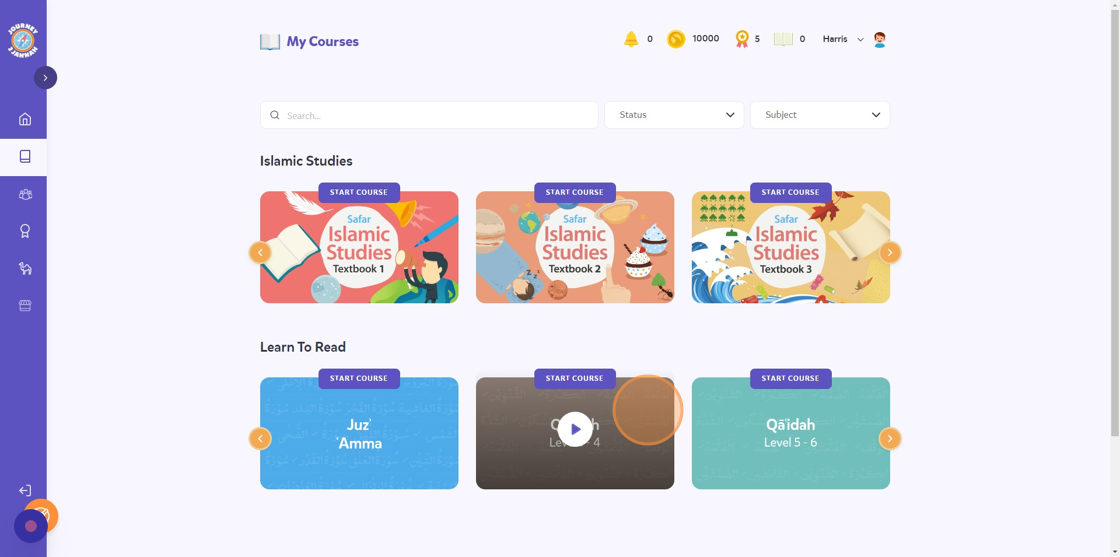
2. On the dashboard, you can click on the 'Learn To Read' pop up which will take you to the course.
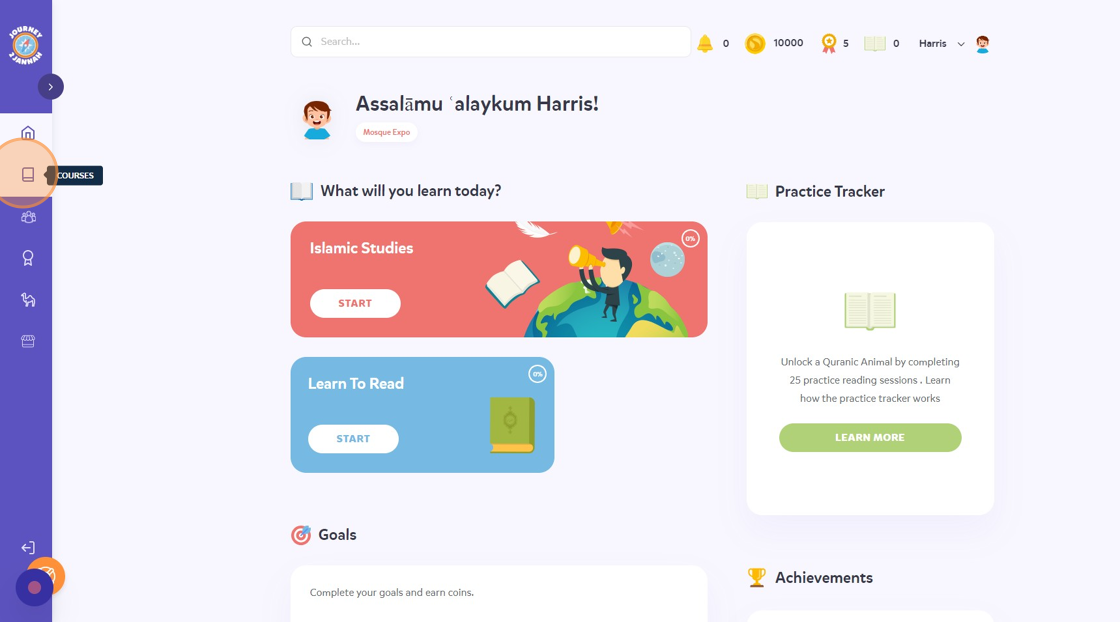
3. Alternatively, you can click on the 'Courses' tab on the left hand panel.
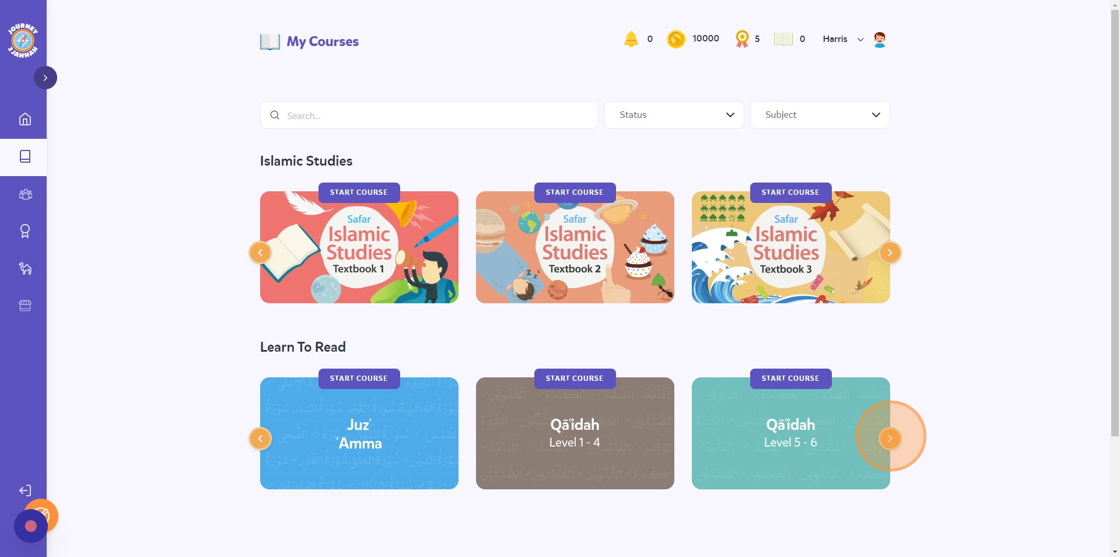
4. You will see all the levels. Click on the arrow to see the hidden courses.
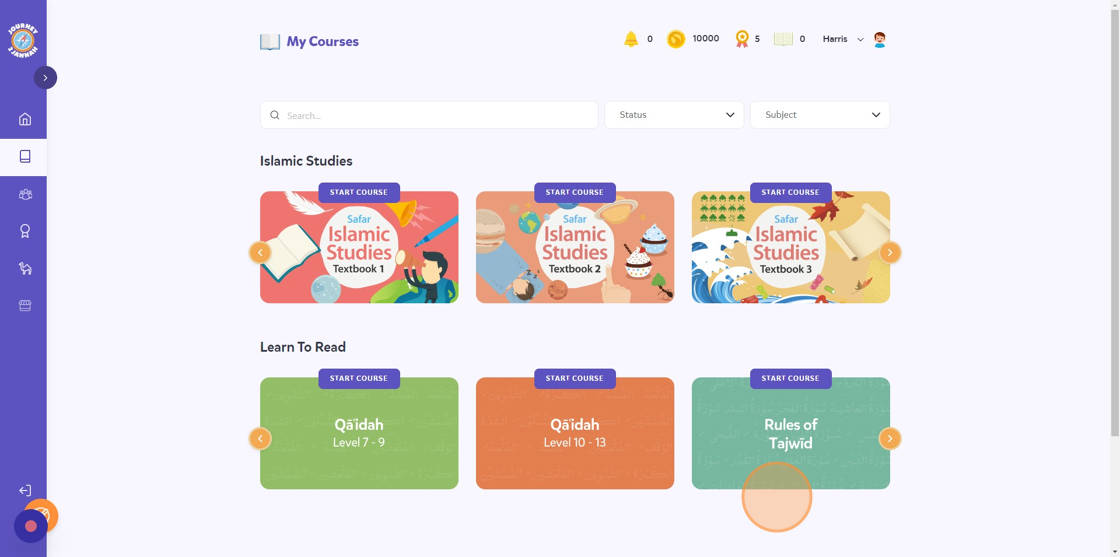
5. You can access the Rules of Tajwid here too.
6. Click on a course.
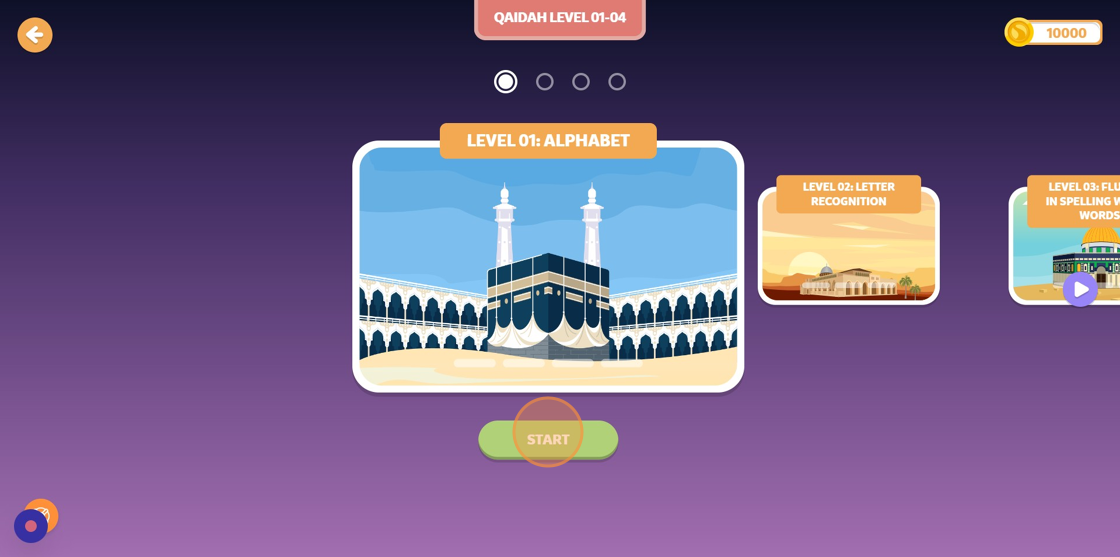
7. Click "START" or choose a level you'd like.
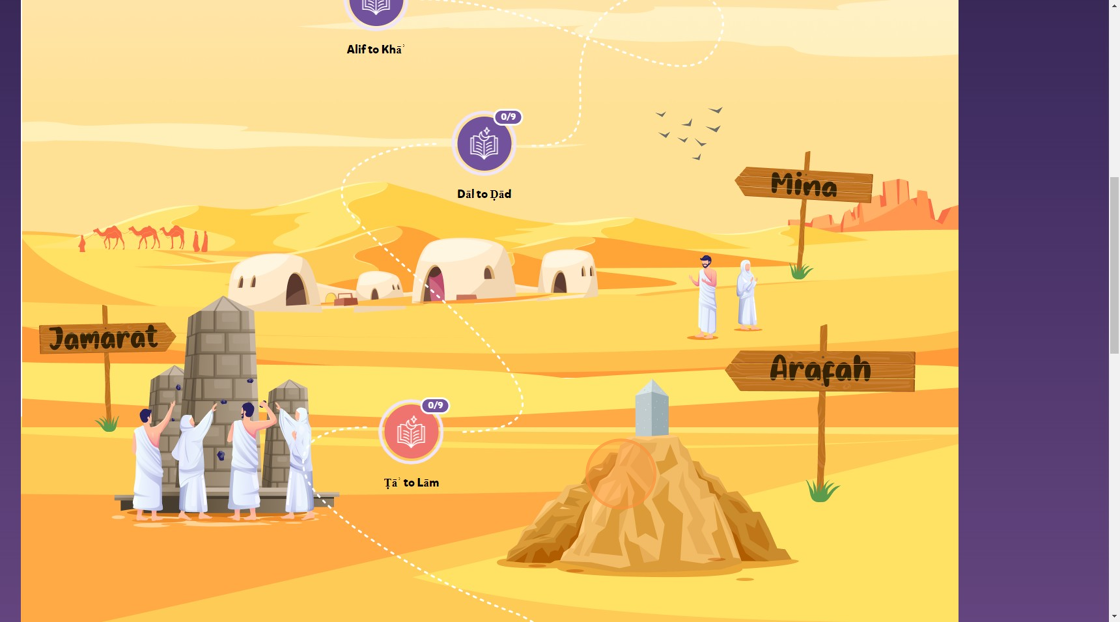
8. You can see the course path for the lesson. Click on the lesson you'd like to begin.
9. Go through the lesson.