Set-Up: How to Change the Name of your Family
This article will show you how to change the family name on a parent account. You can see this video to help you.
1. Navigate to https://my.journey2jannah.com/manage-family/
2. Click 'My Family'

3. Click on 'Change Cover Photo'

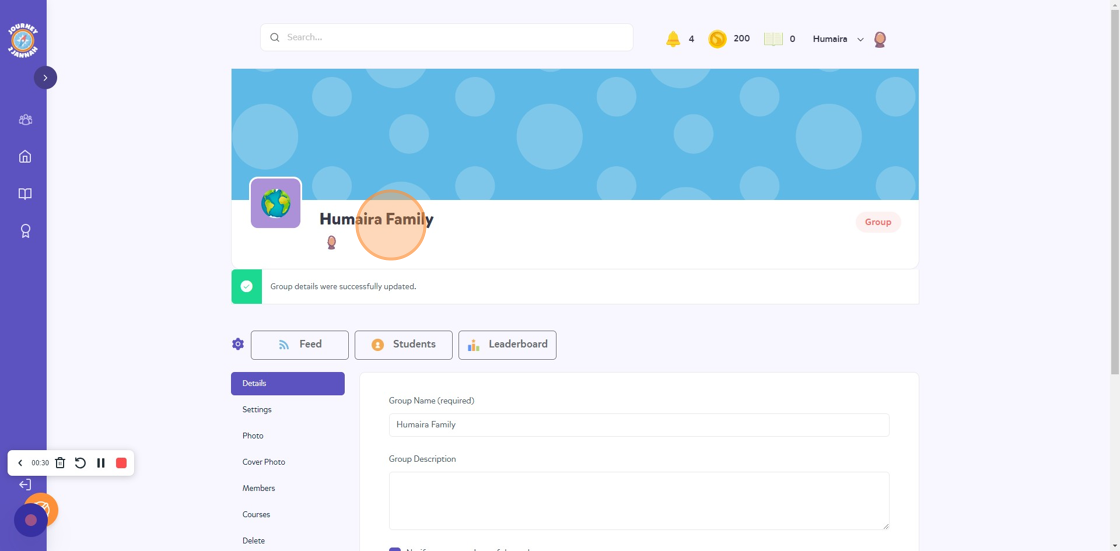
4. Click "Details"

5. Click the "Group Name (required)" field. Type the new name you'd like for the family.

6. Click 'Save Changes'

7. The name of the group will be changed.