Set-Up: How to Switch between Accounts
Tip: This article will show you how to switch to your child account and then switch back. You can watch this video for help too.
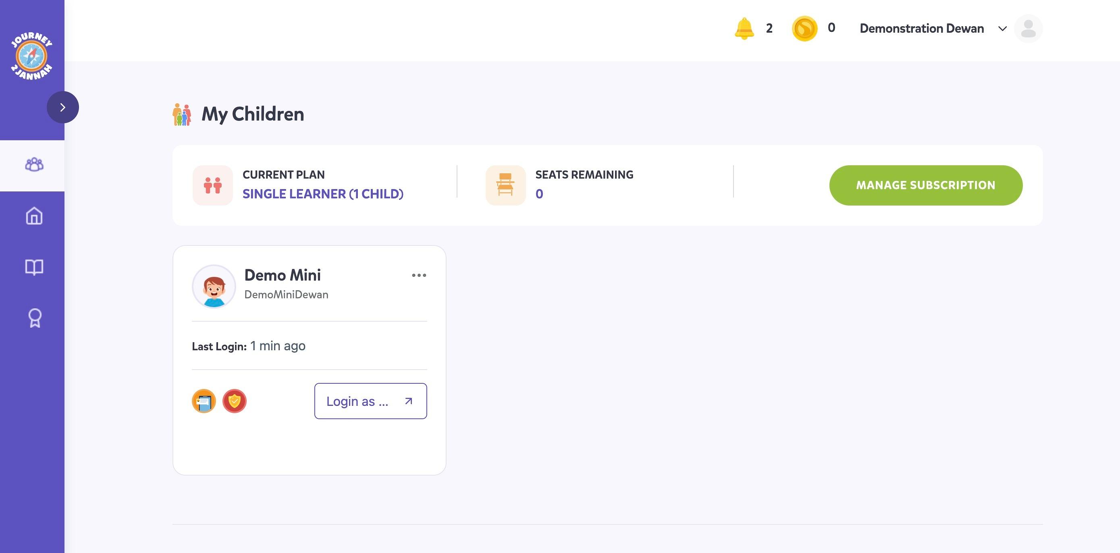
1. Navigate to https://my.journey2jannah.com/manage-family/
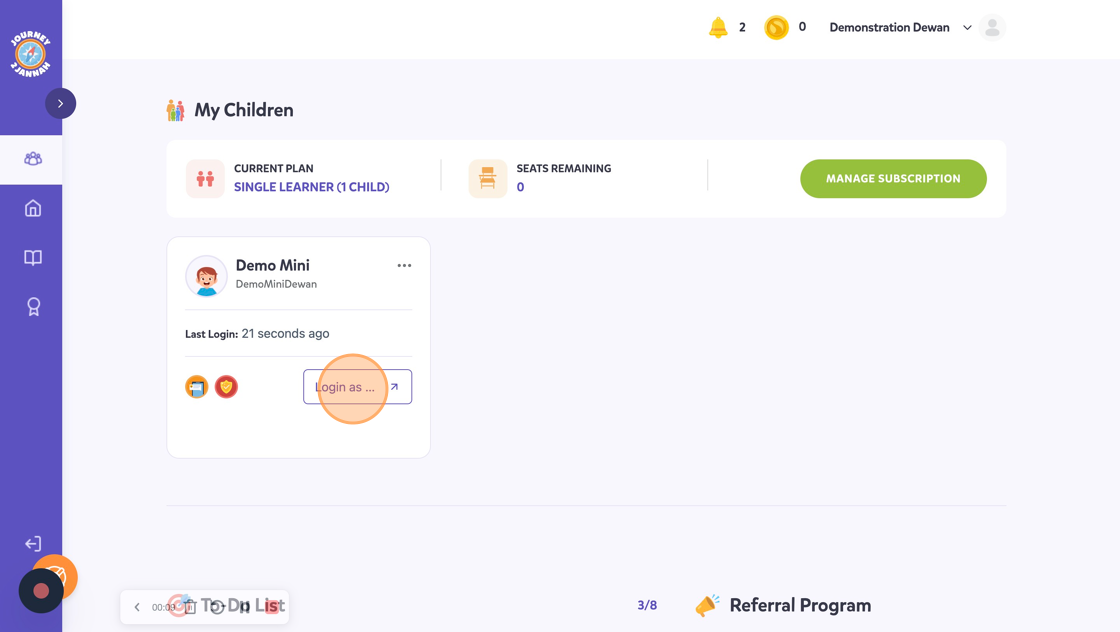
2. On your dashboard, you can see your child's account. Click "Login as Demo Mini"
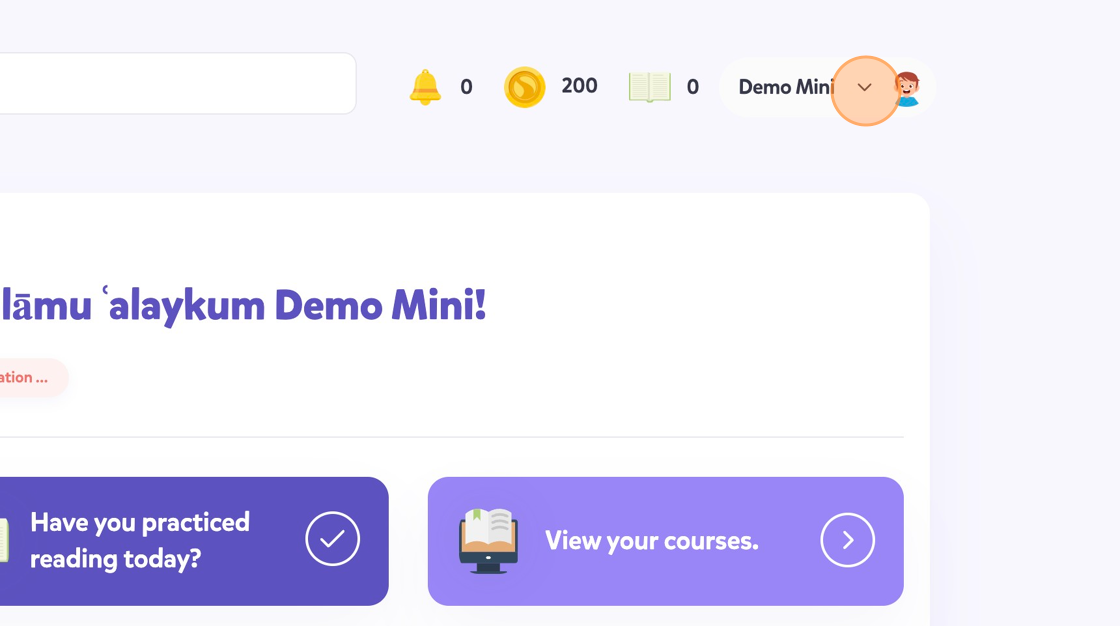
3. Click on your name on the top right hand corner.
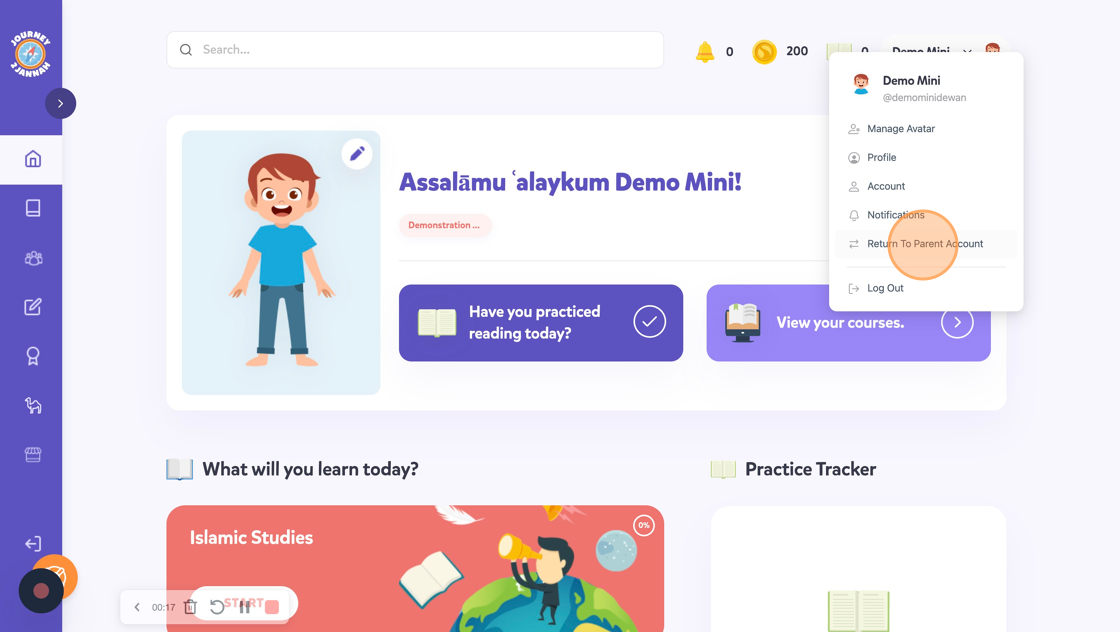
4. Click "Return To Parent Account"
5. This will take you back to your parent account and it will show you the dashboard.