How do I change the name / email address / password on account
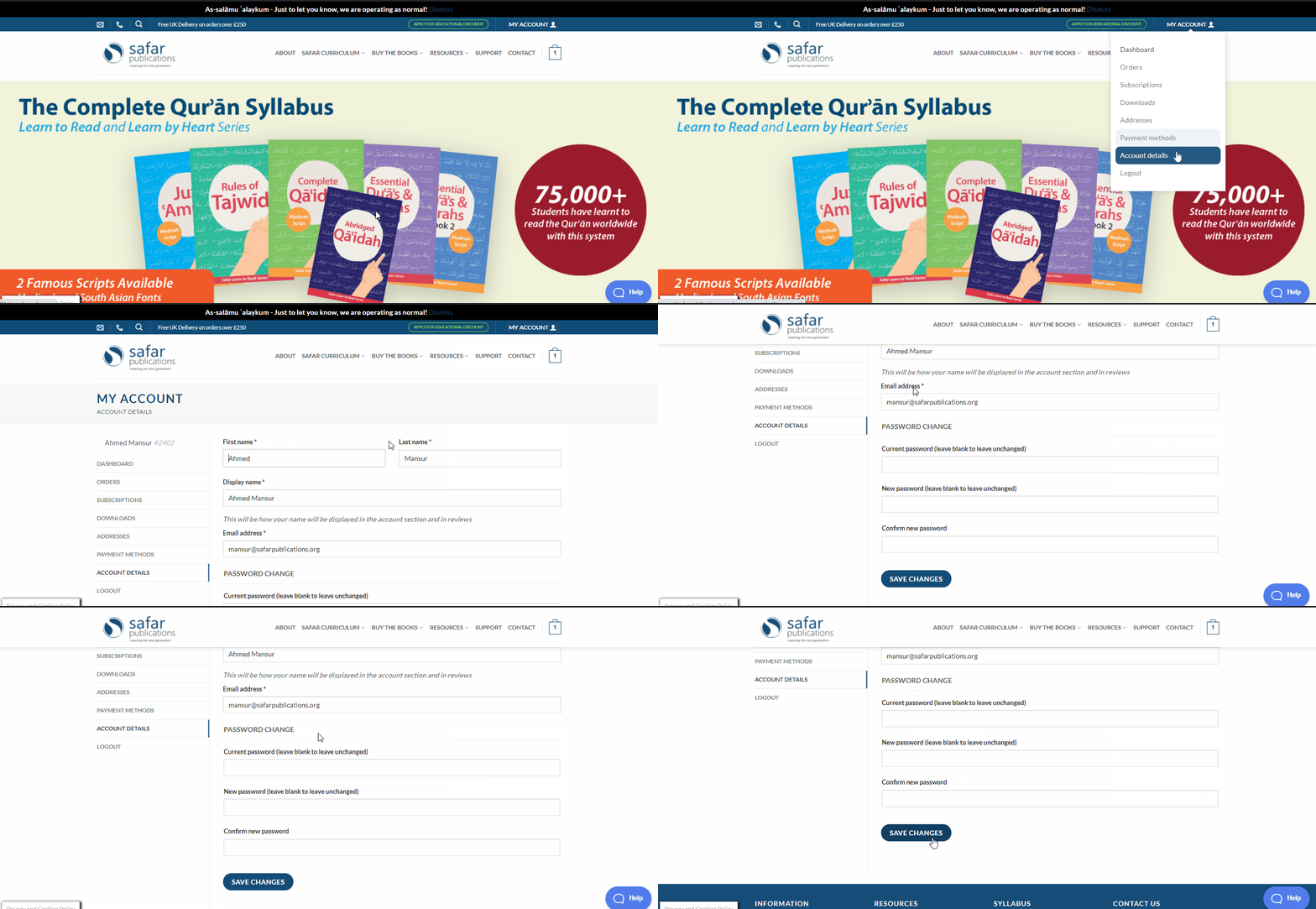
To change the email address on your account, simply log into your account and click on My account > Account details on the top right of any page on our website. Here you can change the name, email address and password of your account.
Alternatively, you may contact us on support@safarpublications.org or +447415 220785 (available on Whatsapp). We are open on Weekdays from 10am - 4pm (GMT)